DAYOUT

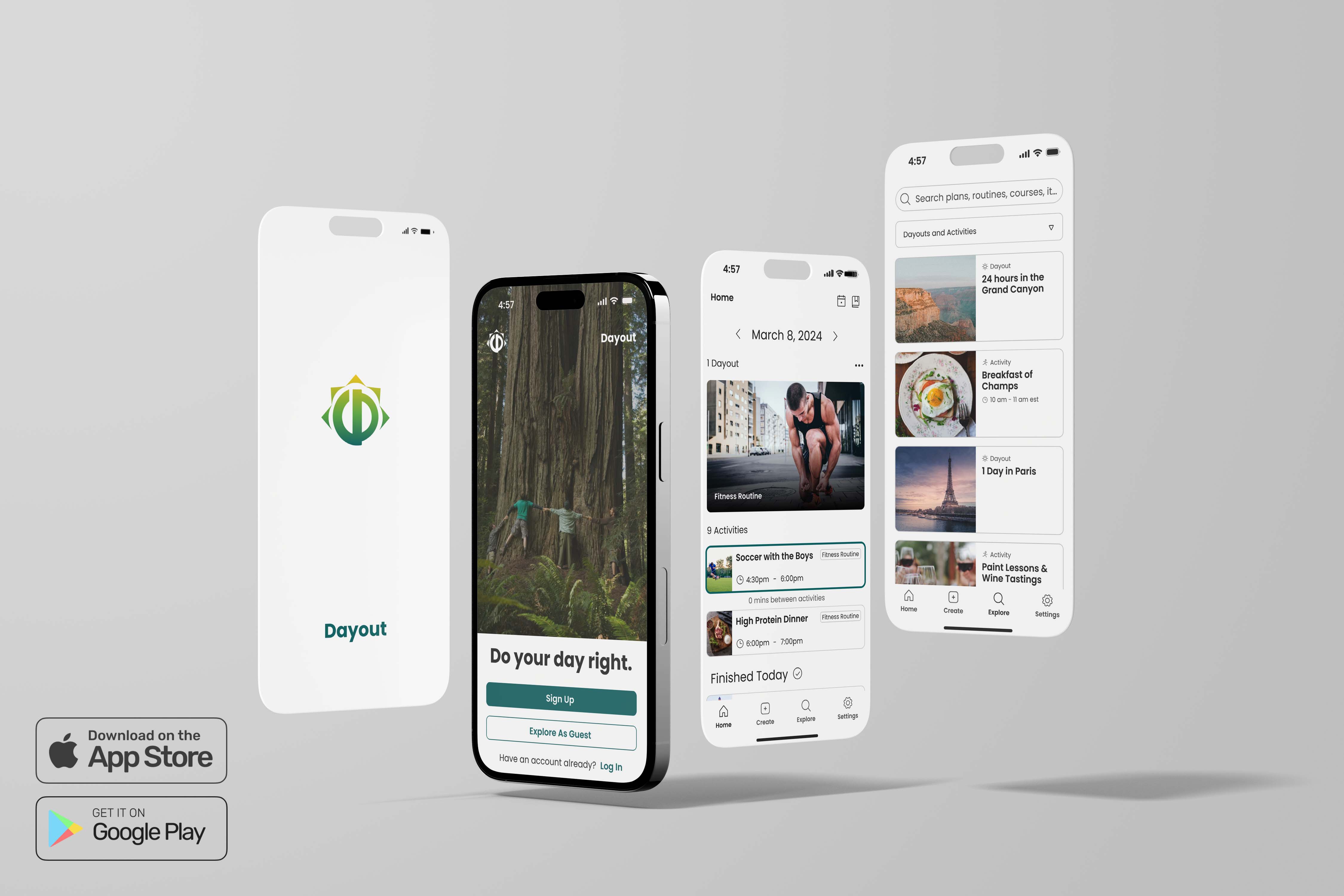
Four smartphone screens showing the Dayout app interface with logo, signup page, daily schedule, and explore search.
OVERVIEW
Dayout is an app designed to help you plan your day with ease, whether you’re seeking fresh inspiration or a ready-to-go schedule. Dayout turns community ideas into plans: helping you make the most of your day, anytime, anywhere. It offers a library of curated events and itineraries that you can customize to fit your schedule and interests. The app also connects you with a community where you can discover, share, and be inspired by other users’ plans.

As part of a cross-functional team, I contributed by designing multiple key flows and features, refining existing designs, testing functionality, and taking ownership of empty state screens and in-app tutorials in preparation for the app’s launch within a month.
SOCIAL PLATFORM
DAYOUT
TOOLS
FIGMA
TESTFLIGHT
STATUS
Available For Download

MY ROLE
Product DESIGN Intern
CORE PRODUCT SCREENS
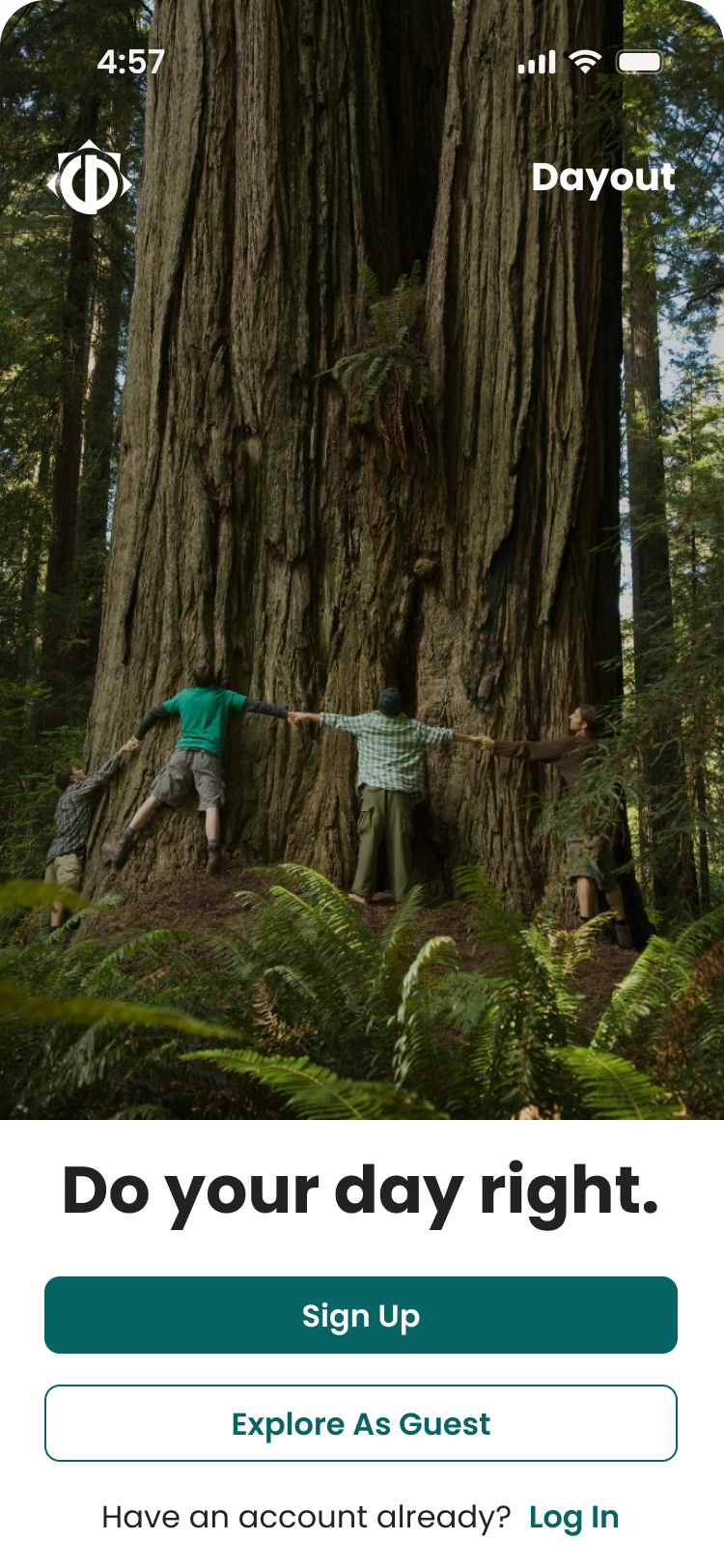
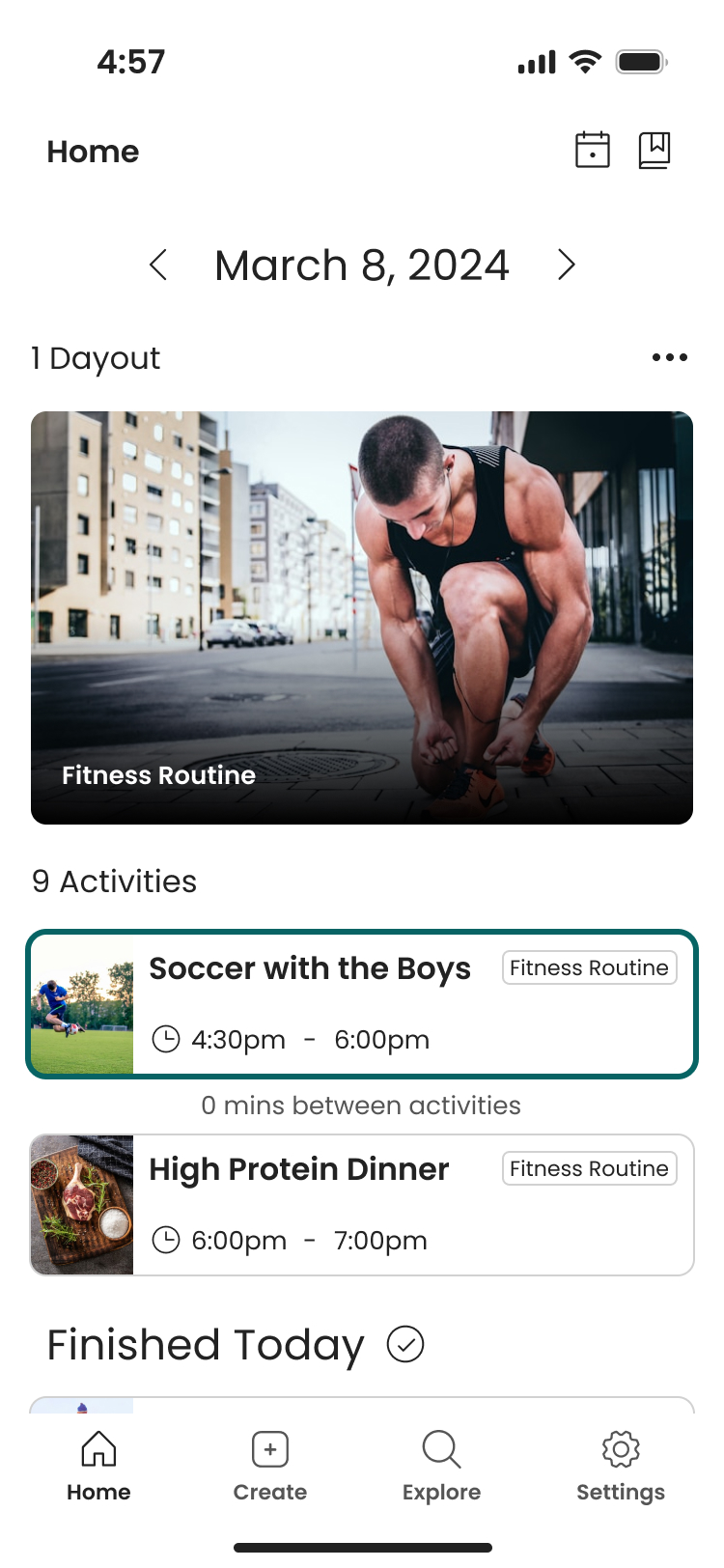
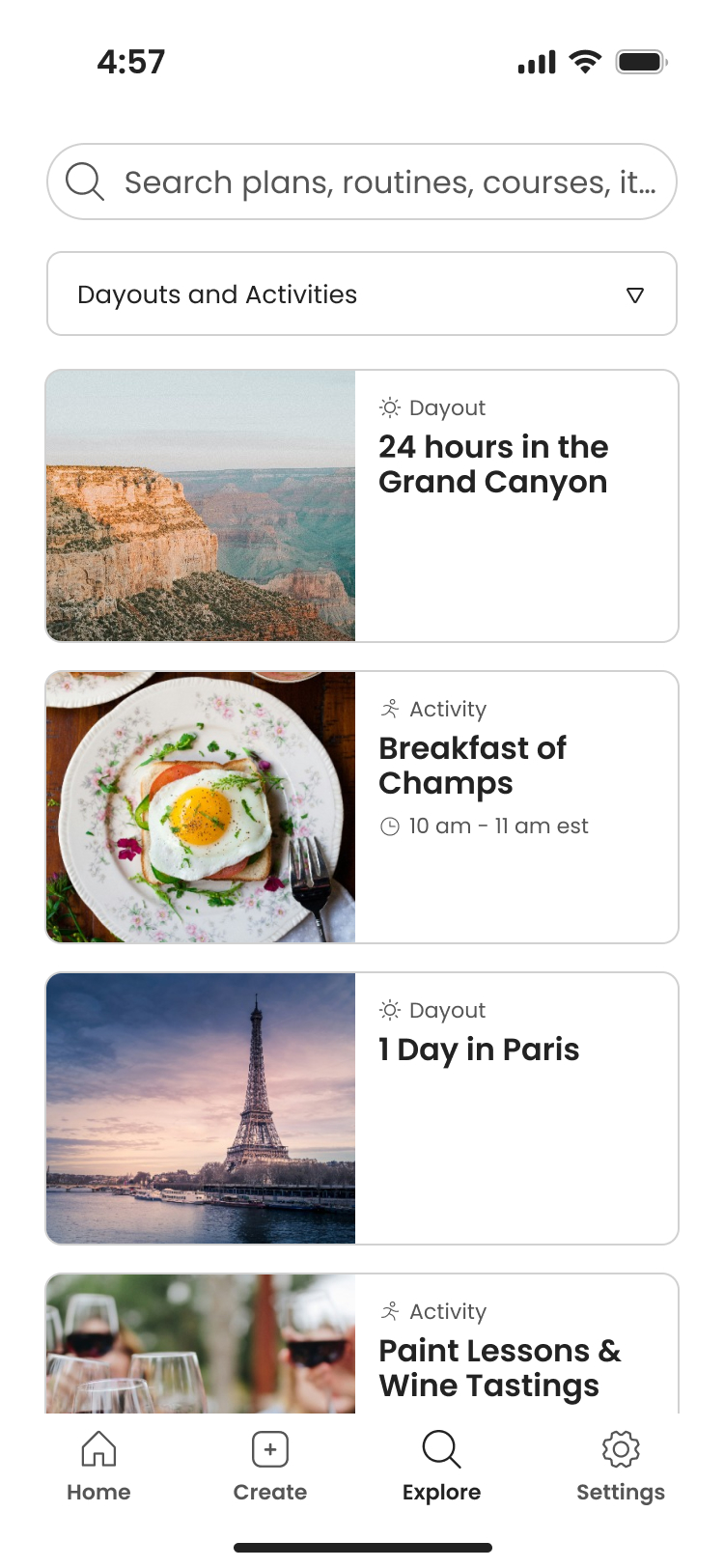
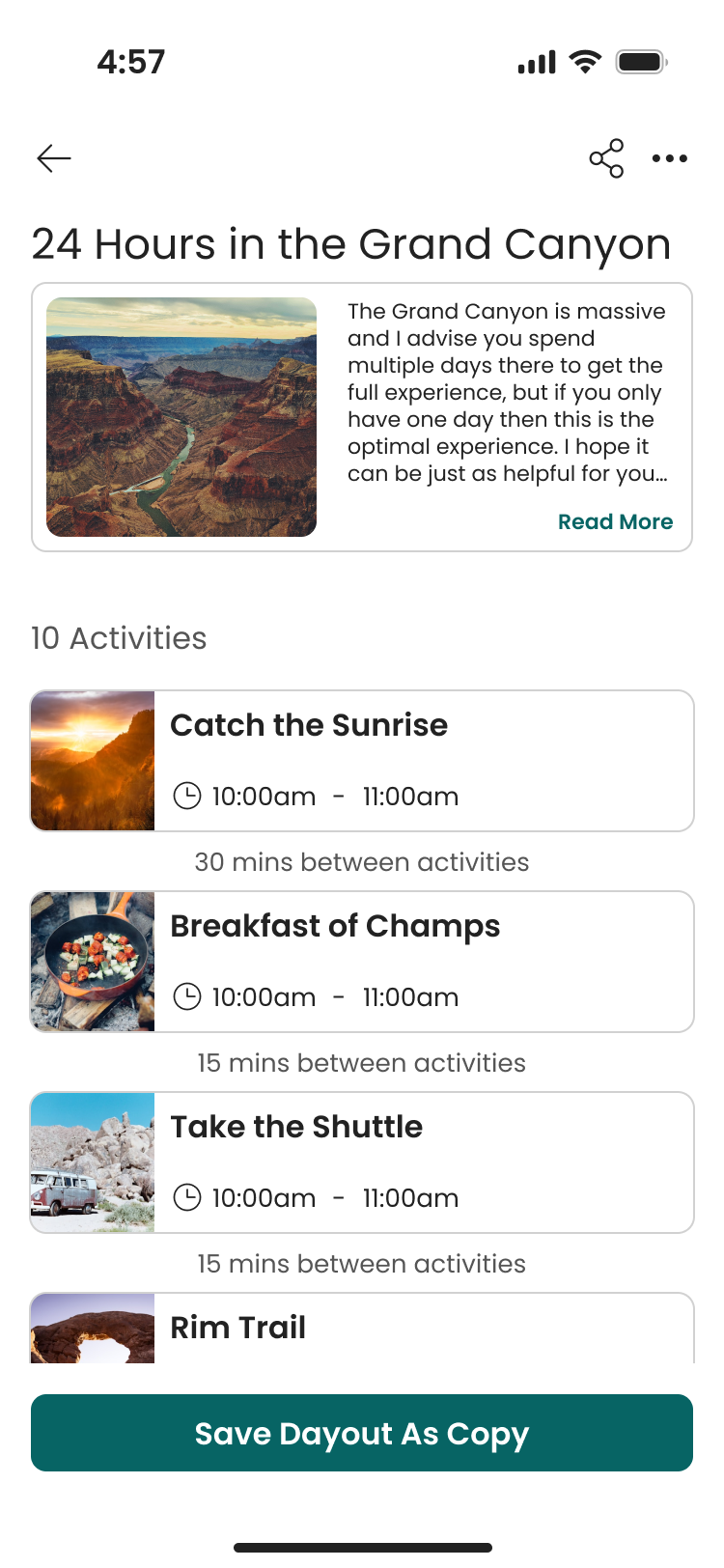
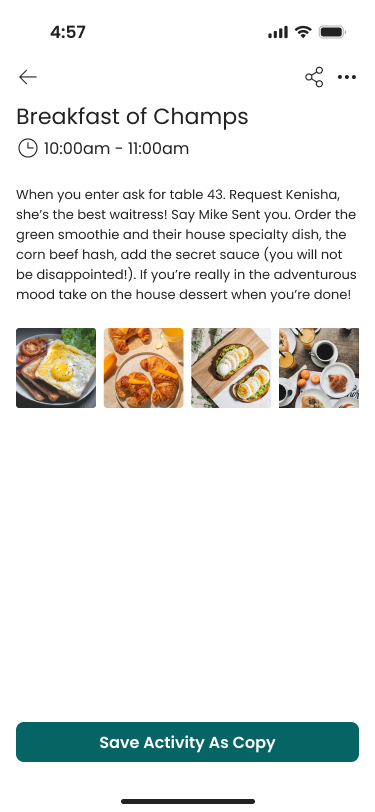
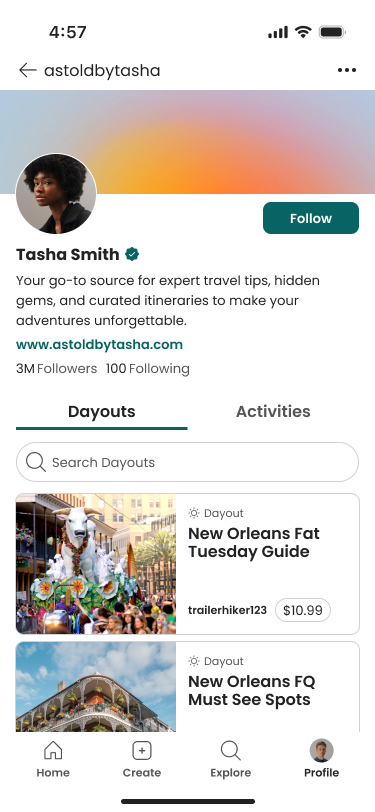
People holding hands around a massive tree trunk in a forest on top the text 'Do your day right.' and sign up or explore as a guest buttons.Fitness app screen showing March 8, 2024, with a fitness routine image of a man tying his shoe, scheduled activities including soccer with the boys from 4:30pm to 6:00pm and high protein dinner from 6:00pm to 7:00pm.Mobile app Explore screen showing search bar, category dropdown, and four results: 24 hours in the Grand Canyon, Breakfast of Champs at 10-11 am EST, 1 Day in Paris, and Paint Lessons & Wine TastingsDayout titled '24 Hours in the Grand Canyon' showing an overview with an image of the canyon, description, and a list of activities including Catch the Sunrise, Breakfast of Champs, Take the Shuttle, and Rim Trail, with times and breaks between activities.Mobile app screen showing 'Breakfast of Champs' event from 10:00am to 11:00am with a note to ask for table 43 and order corn beef hash with secret sauce, plus images of breakfast dishes including eggs, croissants, avocado toast, and coffee.Mobile app profile of travel expert Tasha Smith with travel guides for New Orleans, including must-see spots.
EMPTY STATE SCREENS
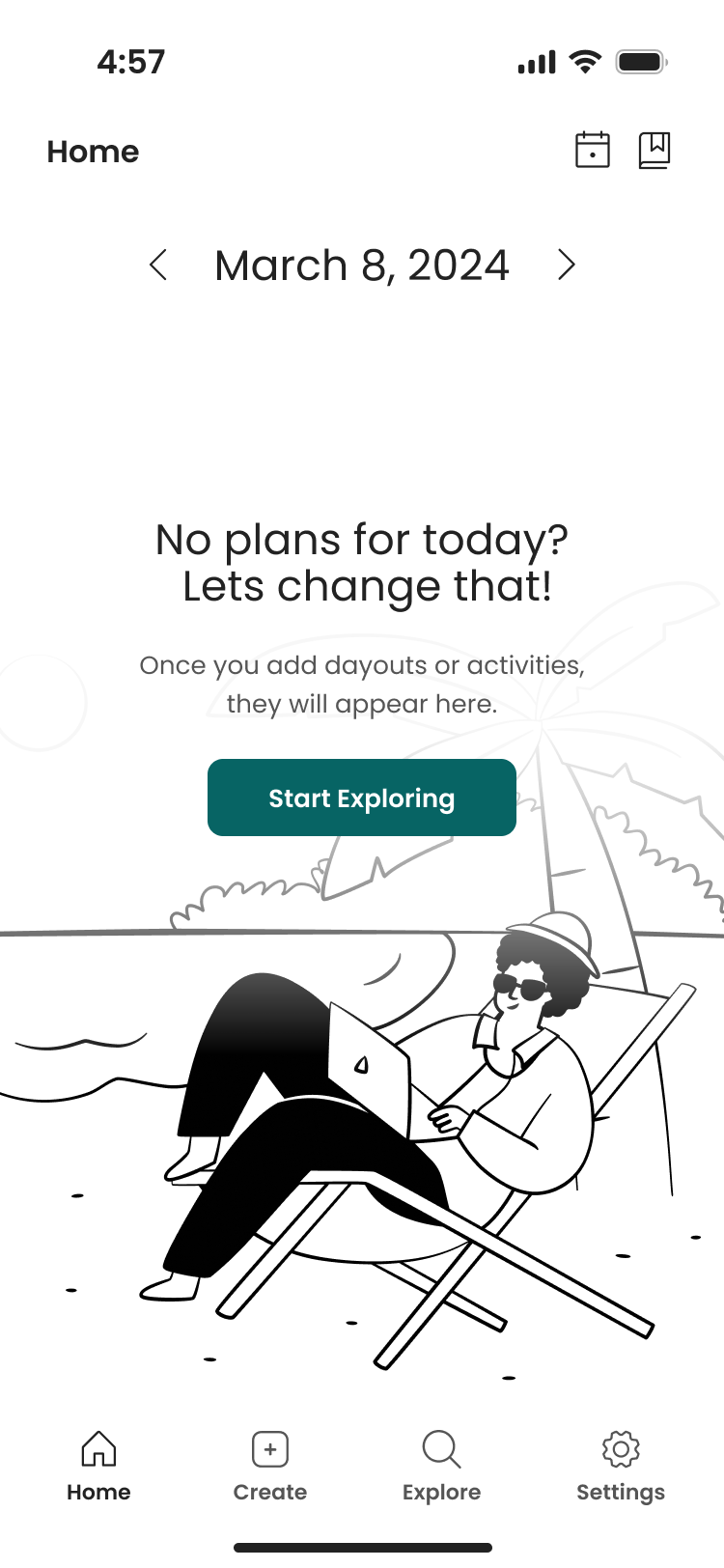
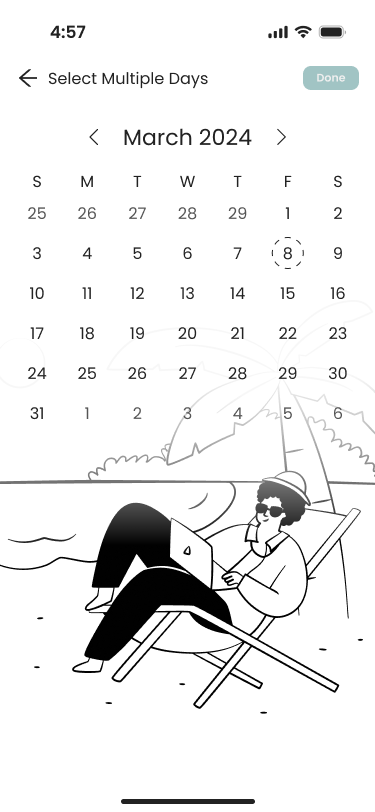
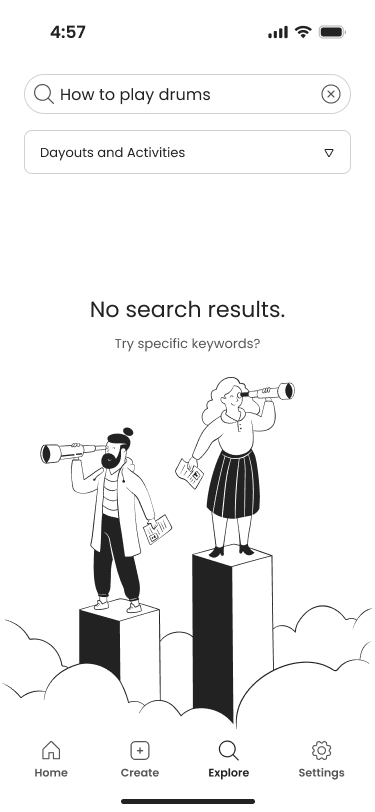
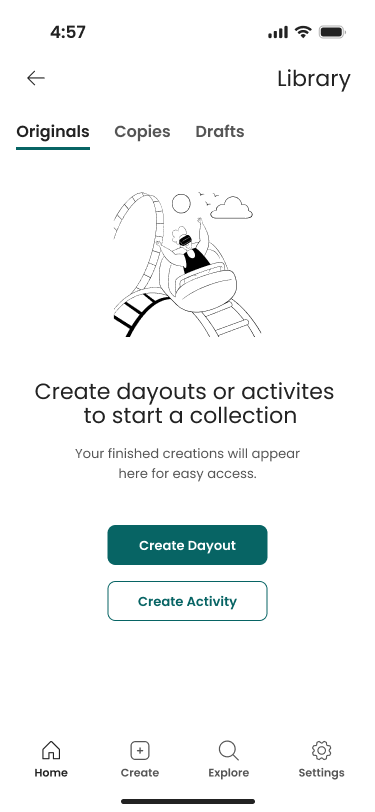
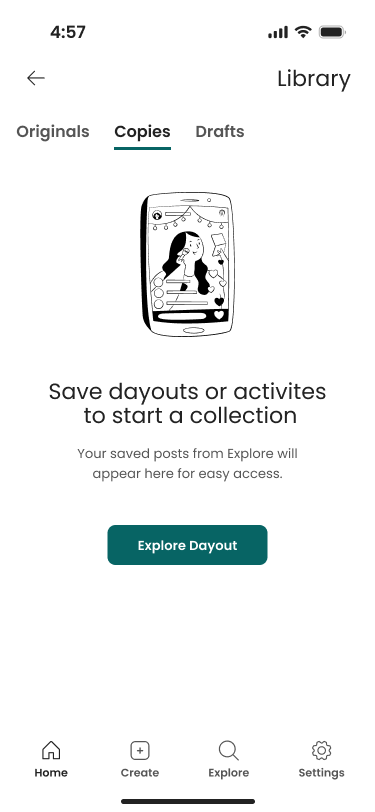
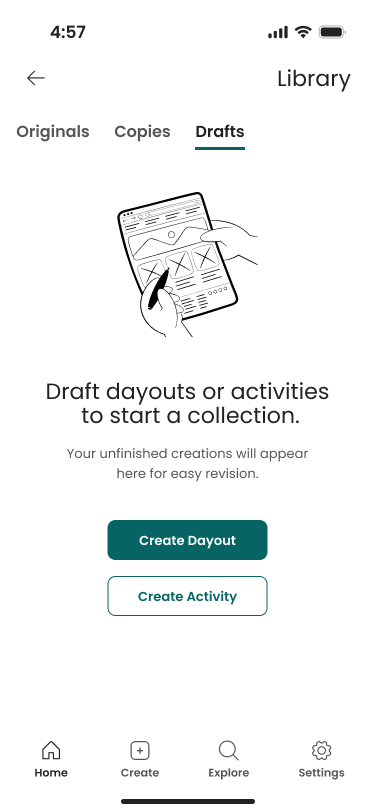
Mobile app home screen showing a person relaxing on a beach chair with a laptop under a palm tree and a prompt to start exploring plans for March 8, 2024.Mobile calendar multi selection screen displaying March 2024 with the 8th selected and an illustration of a person lounging on a beach chair under an umbrella using a laptop.Mobile app screen showing search with no results found and cartoon of a man and woman standing on columns looking through telescopes.Mobile app screen showing Library Originals tab with message to create dayouts or activities to start a collection featuring buttons for Create Dayout or Create Activity, and bottom navigation menu.Mobile app screen showing Library Drafts tab with message to save dayouts or activities to start a collection featuring button for Explore Dayout, and bottom navigation menu.Mobile app screen showing Library Drafts tab with message to draft dayouts or activities to start a collection featuring buttons for Create Dayout and Create Activity, and bottom navigation menu.
CREATE DAYOUT TUTORIAL
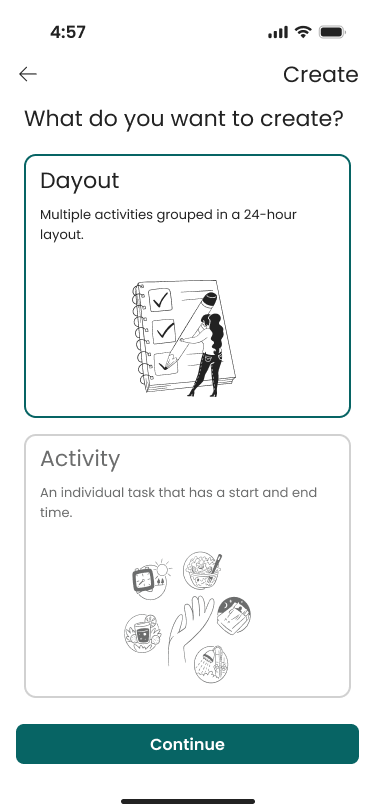
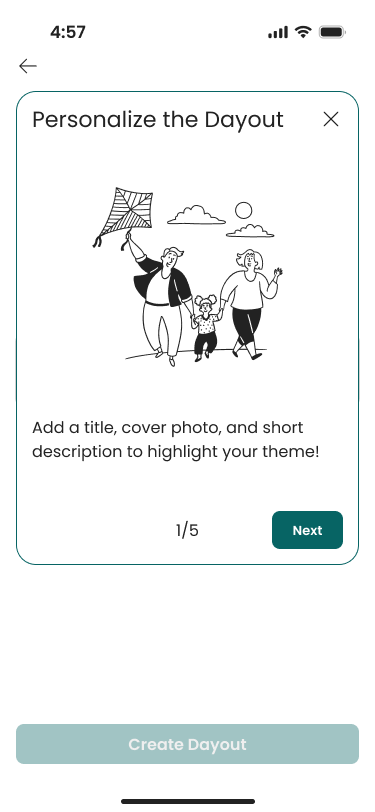
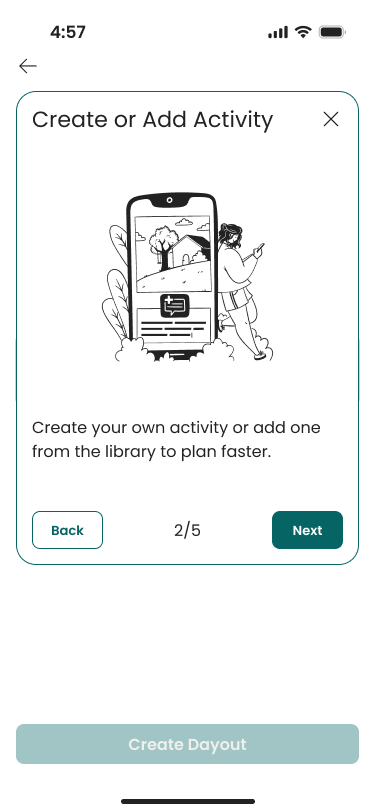
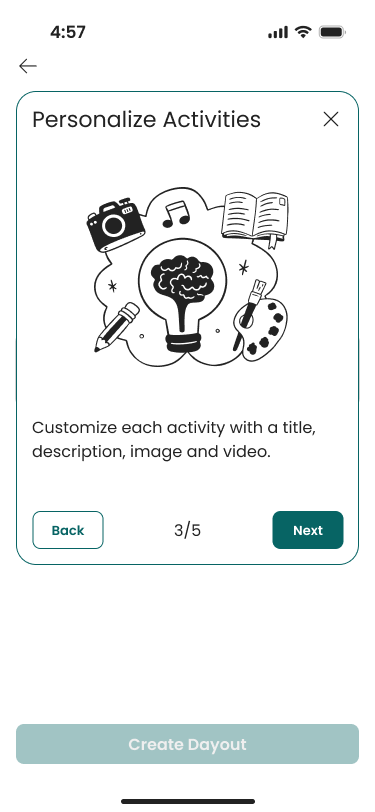
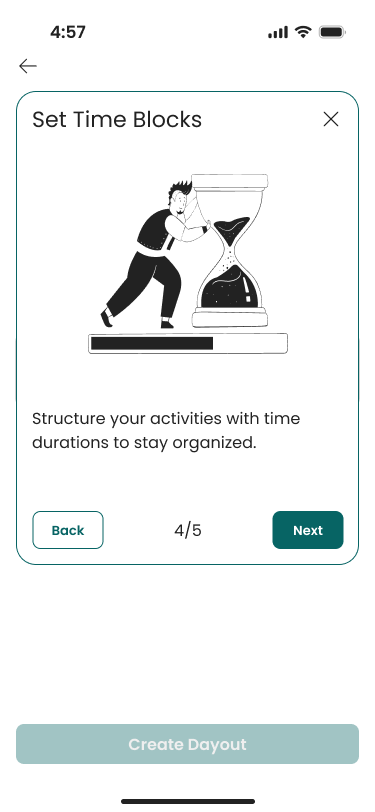
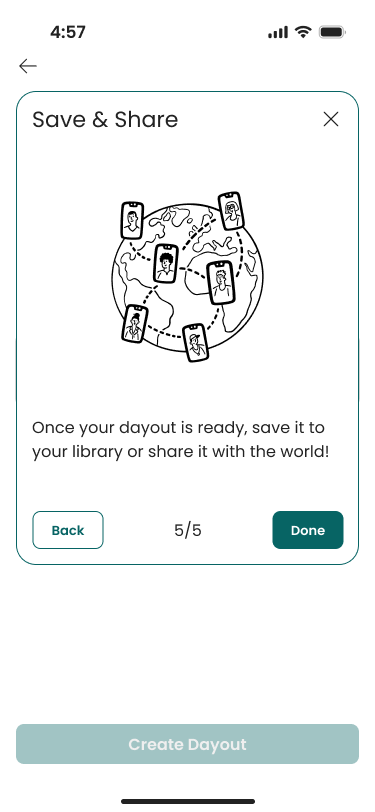
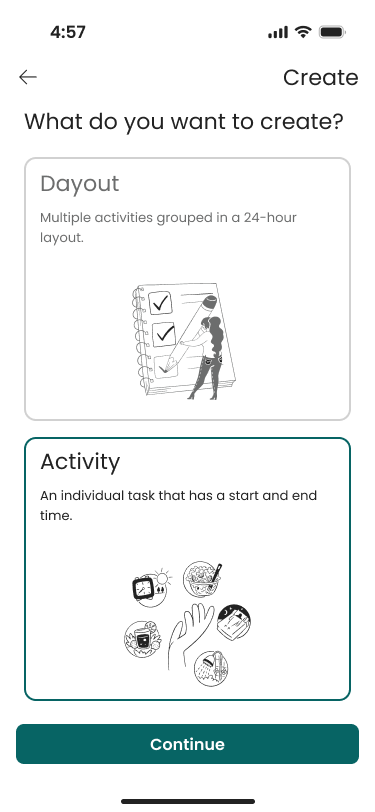
Option to choose what you want to create with dayout selectedCreate Dayout step 1 of 5 with an illustration of two adults and a child holding hands and a kite, a prompt to add a title, cover photo, and description.Create or Add Activity to dayout step 2 with an illustration of a person standing by a large smartphone displaying a house and a tree, options to navigate back or next, and text encouraging creating or adding activities from the library.Personalize Activities step 3 to create dayout with icons of a camera, music note, book, microphone, guitar, and paint palette around a light bulb brain illustration, instructions to customize activities with title, description, image, and videoCreate Dayout step 4 of 5 'Set The Time,' showing a cartoon man pushing an hourglass, and a message encouraging structuring activities with a time range.Save & Share step 5 to create dayout showing a globe with connected user phones and options to save to library, add to calendar, or share
CREATE ACTIVITY TUTORIAL
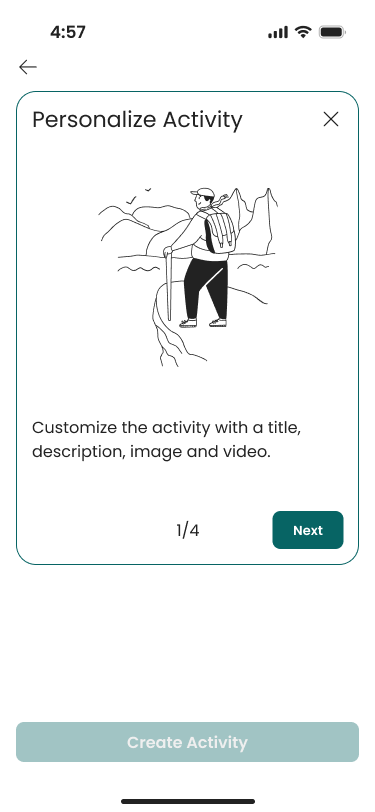
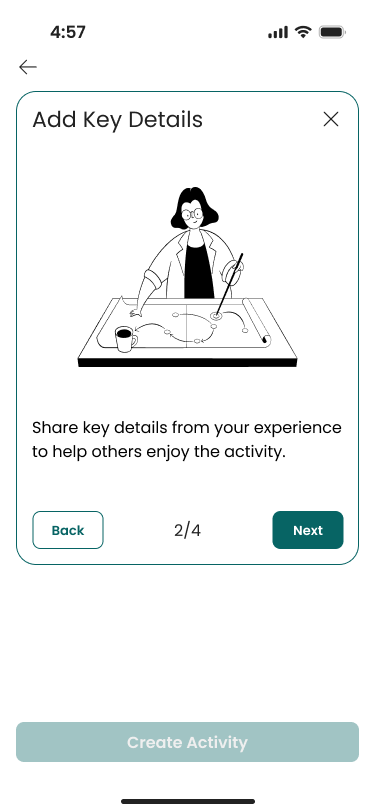
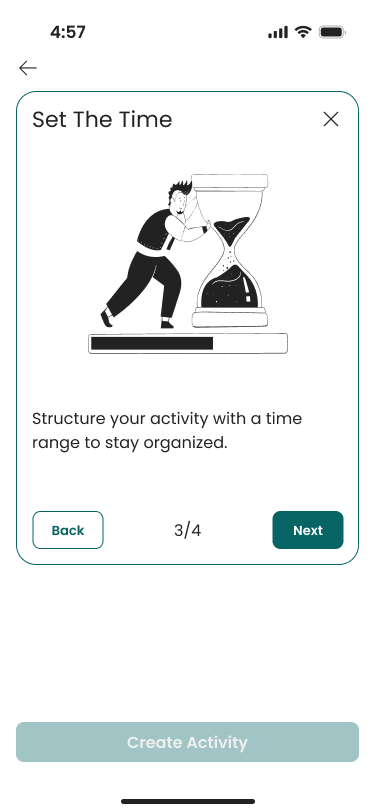
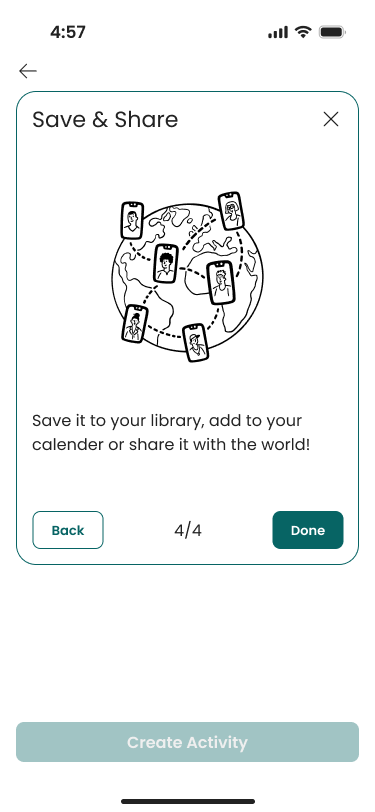
Option to choose what you want to create with activity selected'Personalize Activity' step 1 to create activity with an illustration of a hiker overlooking mountains and a lake, with text prompting to customize the activity with title, description, image, and video.Add Key Details to activity step 2 with illustration of a woman pointing at a strategic plan on a table, with text prompting to share key details from experience to help othersCreate Activity step 3 of 4 'Set The Time,' showing a cartoon man pushing an hourglass, and a message encouraging structuring activities with a time range.Save & Share step 4 to create activity showing a globe with connected user phones and options to save to library, add to calendar, or share